

==============Project Card Guideline==============
1. New Project Card Creation
a) Prepare the project media content (logos, screenshots, etc.) and upload it to the site (typically all media content stored in /v3_images folder)
b) Create the new project card in .txt format using this guideline and upload it to the /pages/aggregate.tibbo.com/customers
c) Add new records to the tibbo DB specifying industry, solution, language and link to the project card in .txt format
d) Insert the
 HTML-tag to the place you need using correct project ID from tibbo DB. Also optional "start screen" parameter is available (
). It may be used in cases you need to demonstrate the screenshot different from the first one. So, using this parameter you can specify the screenshot which will be selected and displayed.
e) It`s strongly prohibited to use more than 8 screenshots in the card due to mobile version restrictions.
Every project name should be unique to avoid issues with active screenshot selection.
2. Project Card Content
All project cards are stored in /pages/aggregate.tibbo.com/customers in the .txt format.
Use 8 screenshots at max because of image switcher`s length overflowing a screen on mobiles.
Every project name should be unique to avoid issues with active screenshot selection.
Typical project card have the structure listed below:
----------FILE BEGIN------------
%Unique Project Name%;
/link_to_the_project_logo.png;
%Industry ID%;
%Customer`s Name%;
%Country%;
![]() HTML-tag with link to the company logo and additional width option;
%Solution ID%;
%Project Description%;
/link_to_related_case_study.pdf ("0; if doesn`t exist);
HTML-tag with link to the company logo and additional width option;
%Solution ID%;
%Project Description%;
/link_to_related_case_study.pdf ("0; if doesn`t exist);
custom HTML-tag with link to the screenshot #1 and additional width option;
custom HTML-tag with link to the screenshot #2 and additional width option;
custom HTML-tag with link to the last screenshot and additional width option
----------END OF FILE------------
All content strings saparated by ";", so avoid to use ";" anywhere except the string end.
3. Project Card Example:
----------FILE BEGIN------------
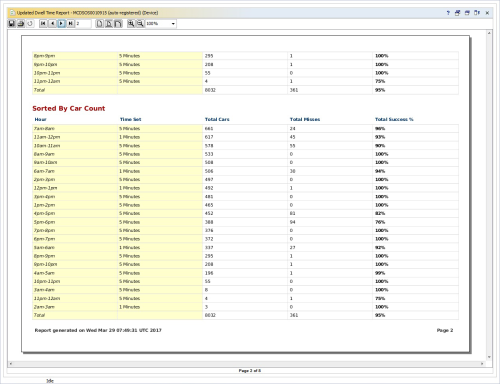
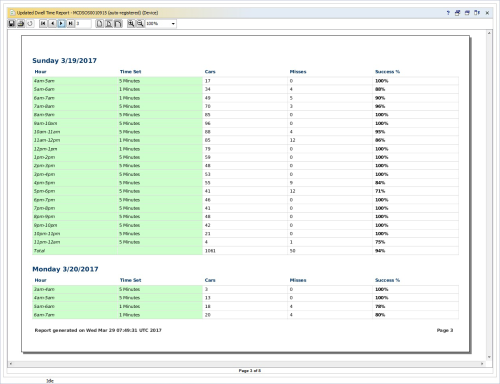
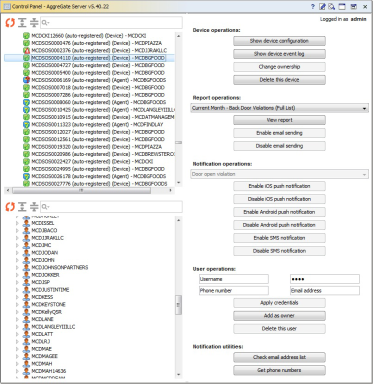
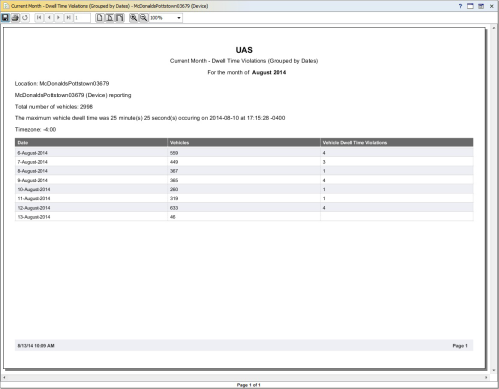
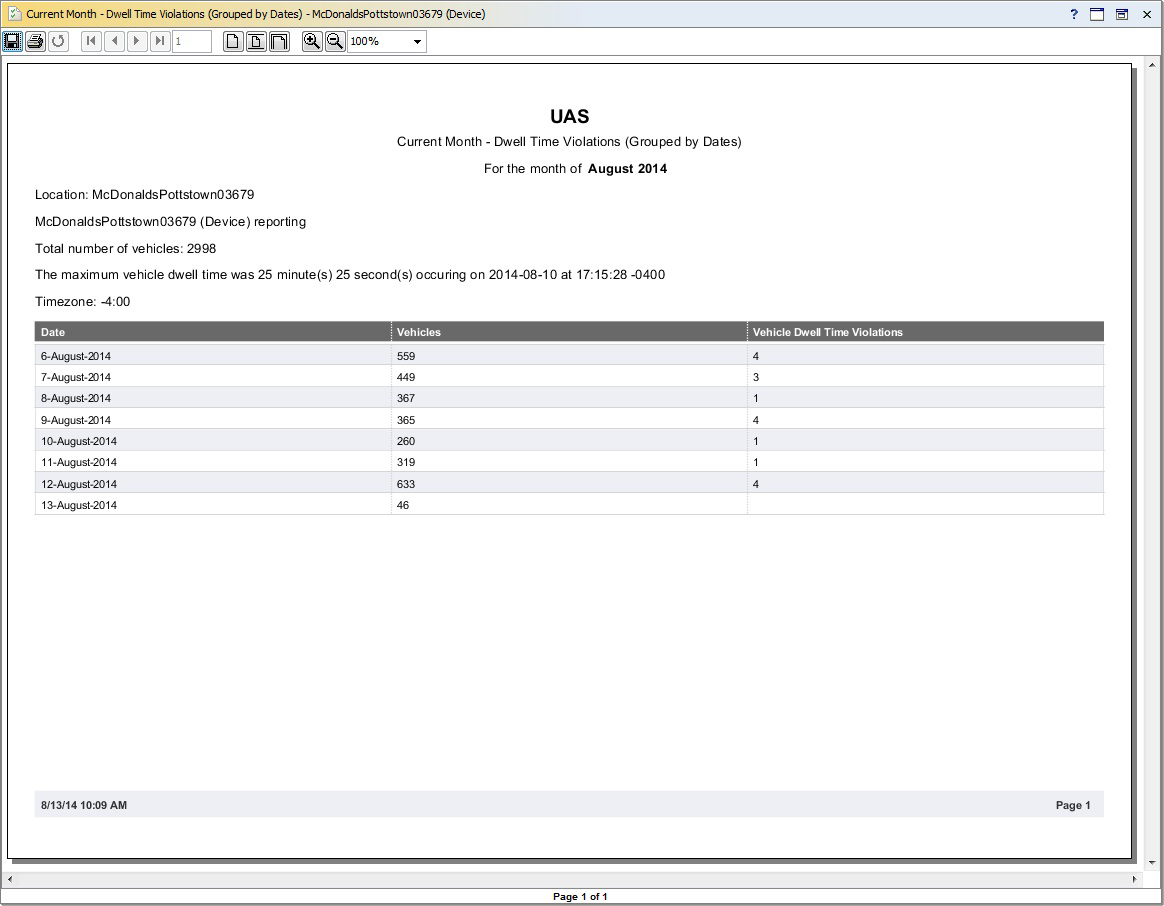
Monitoring of Drive-thru Service Efficiency in McAuto Restaurants;
/v3_images/project_cards/mcdonalds_project_card_drive_thru_monitoring.png;
11;
Mc'Donalds;
USA;
 ;
1;
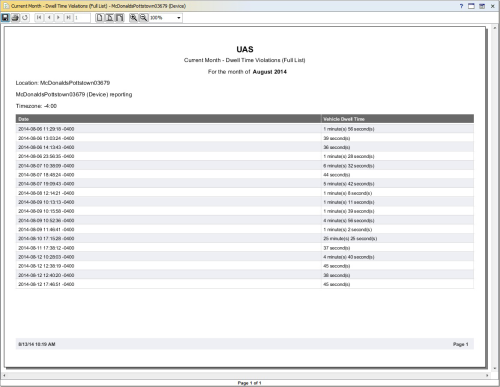
Hardware and software system for automated collection and analysis of service quality data. Collecting data from custom controllers installed in each fast-food restaurant.;
/downloads/open/aggregate/case_study_uas.pdf;
;
1;
Hardware and software system for automated collection and analysis of service quality data. Collecting data from custom controllers installed in each fast-food restaurant.;
/downloads/open/aggregate/case_study_uas.pdf;
 ;
;
 ;
;
 ;
;
 ;
;
 ;
;
 ----------END OF FILE------------
4. Appendix
==============Industries==============
1 Agriculture
2 Financial and Insurance
3 Government
4 Healthcare and Social
5 Managed Service Providers
6 Manufacturing
7 OEM/ODM
8 Oil and Gas
9 Pharmaceutical and Biotech
10 Power Engineering
11 Retail / Wholesale
12 Smart Cities
13 Telecom Operators
14 Transportation and Logistics
15 Utilities
==============Solutions==============
1 IoT Platform
2 IT & Network Management
3 Industrial Automation
4 Building Automation
5 Time and Attendance
6 Fleet Management
7 Vending Machines
8 Access Control
9 Analytics and Business Intelligence
10 Data Center Management
11 Incident and Situation Management
12 Remote Monitoring
13 Automatic Meter Reading
14 Sensor Networks
15 People/Vehicle Counting
16 Digital Signage
17 Mobile Device Management
18 Device Server Management
----------END OF FILE------------
4. Appendix
==============Industries==============
1 Agriculture
2 Financial and Insurance
3 Government
4 Healthcare and Social
5 Managed Service Providers
6 Manufacturing
7 OEM/ODM
8 Oil and Gas
9 Pharmaceutical and Biotech
10 Power Engineering
11 Retail / Wholesale
12 Smart Cities
13 Telecom Operators
14 Transportation and Logistics
15 Utilities
==============Solutions==============
1 IoT Platform
2 IT & Network Management
3 Industrial Automation
4 Building Automation
5 Time and Attendance
6 Fleet Management
7 Vending Machines
8 Access Control
9 Analytics and Business Intelligence
10 Data Center Management
11 Incident and Situation Management
12 Remote Monitoring
13 Automatic Meter Reading
14 Sensor Networks
15 People/Vehicle Counting
16 Digital Signage
17 Mobile Device Management
18 Device Server Management
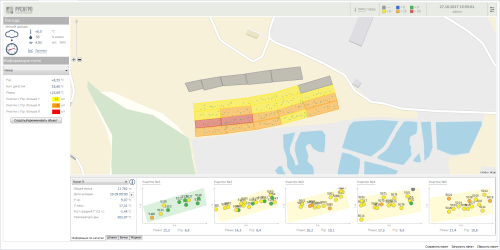
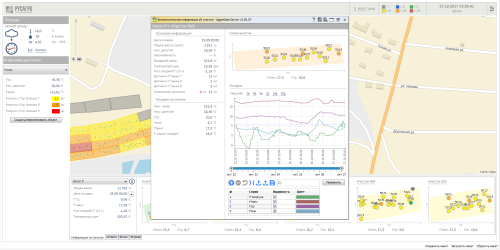
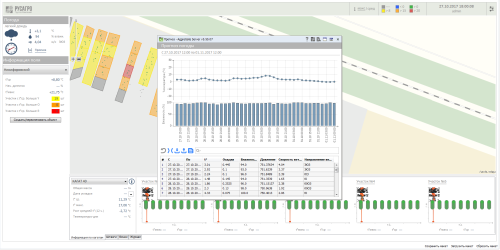
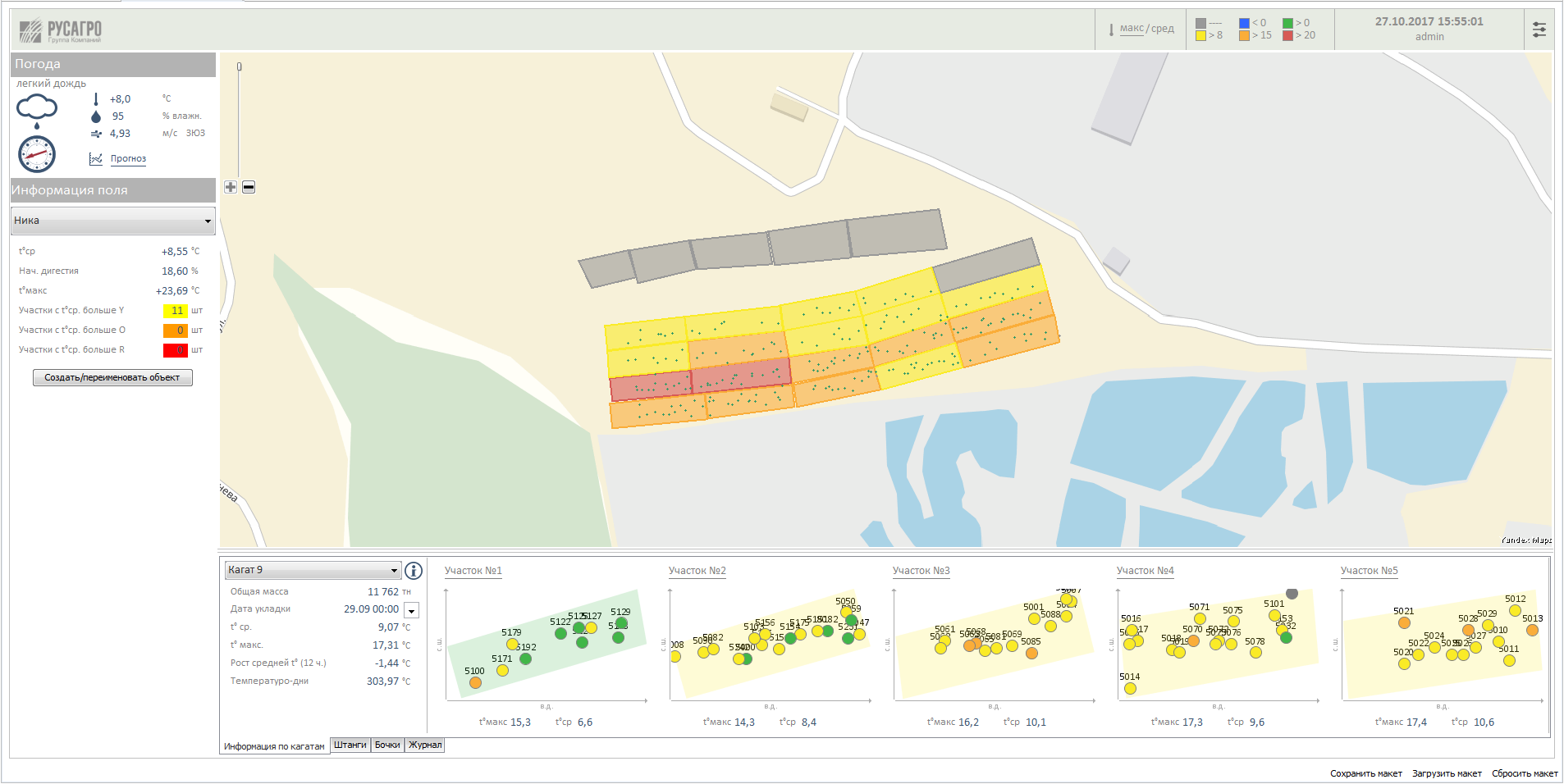
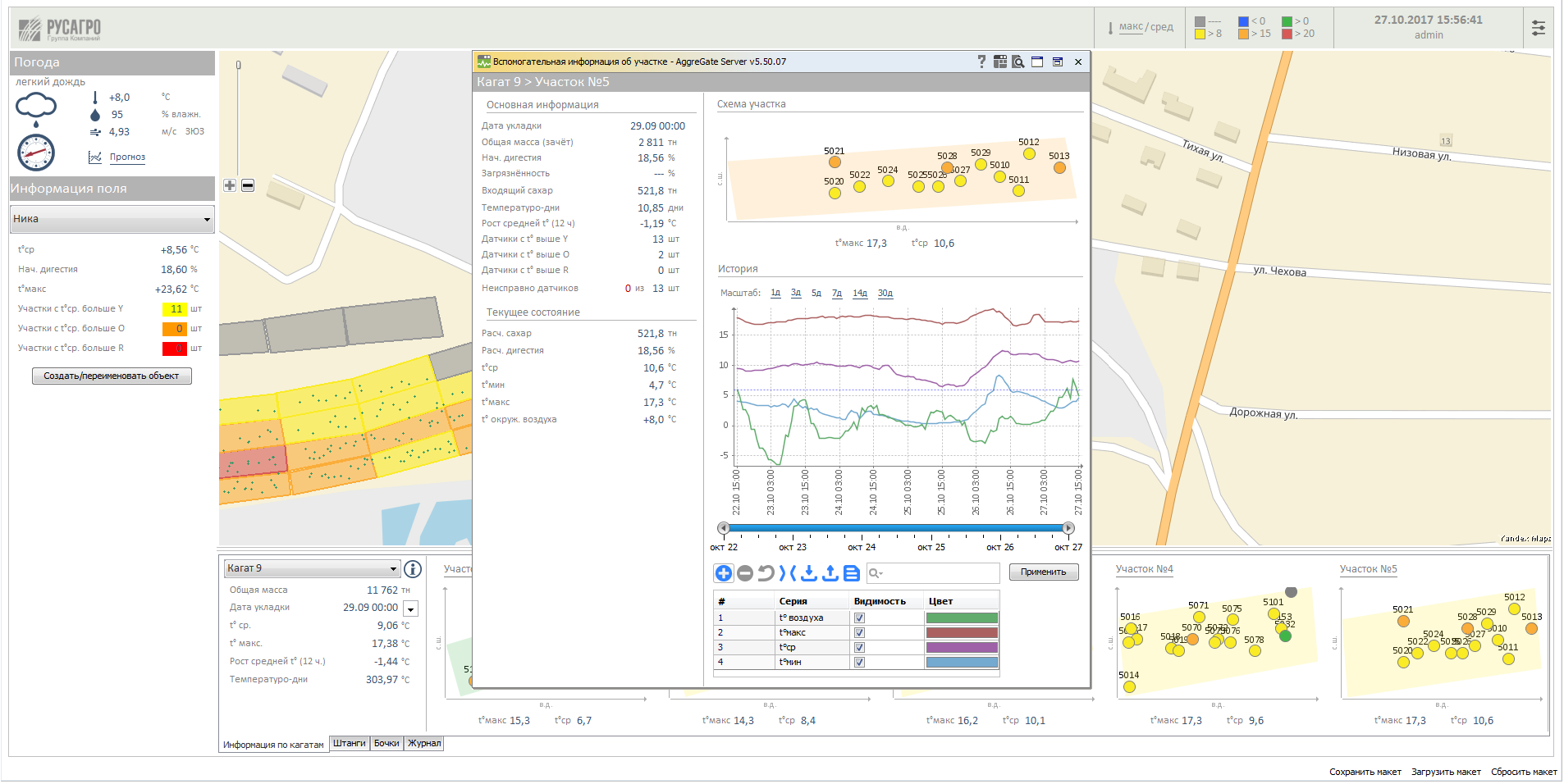
Мониторинг условий хранения сахарной свёклы
Сельское хозяйство
Русагро
Россия
IoT Platform
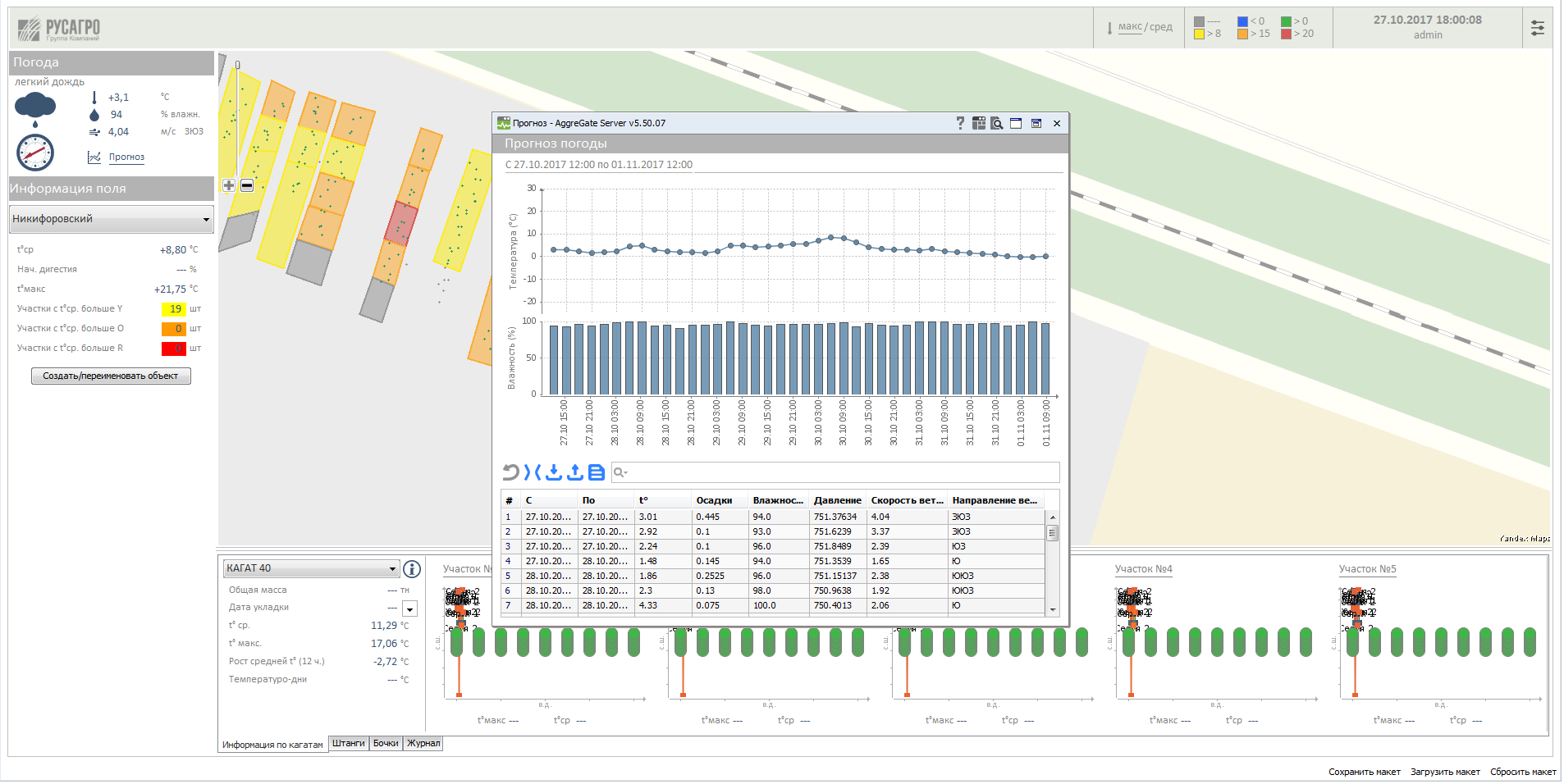
Мониторинг состояния кагатов сахарной свёклы на базе сенсорной сети с применением технологий LPWAN. Прогноз сахаристости урожая, отслеживание положения персонала и транспорта.

 ;
1;
Hardware and software system for automated collection and analysis of service quality data. Collecting data from custom controllers installed in each fast-food restaurant.;
/downloads/open/aggregate/case_study_uas.pdf;
;
1;
Hardware and software system for automated collection and analysis of service quality data. Collecting data from custom controllers installed in each fast-food restaurant.;
/downloads/open/aggregate/case_study_uas.pdf;
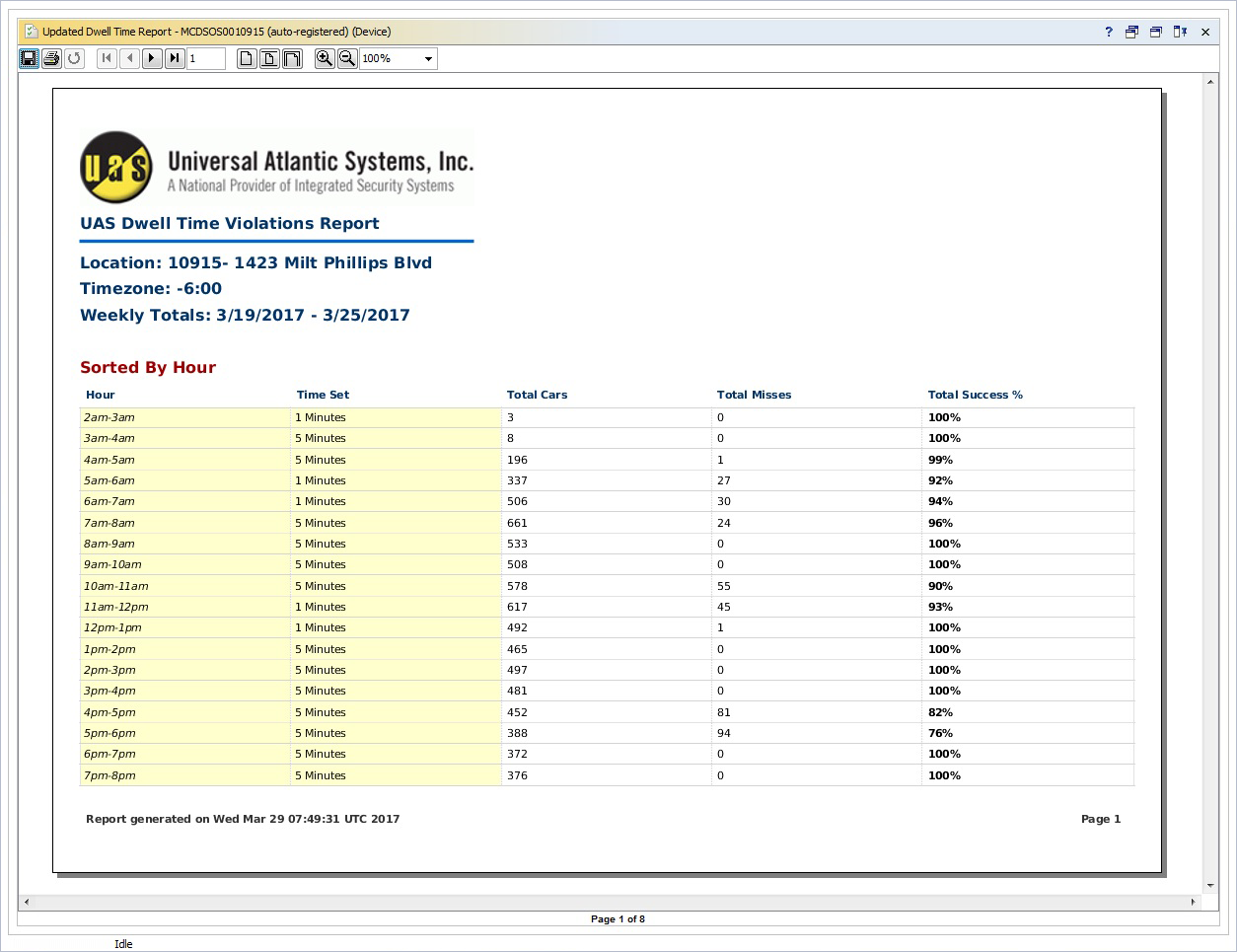 ;
;
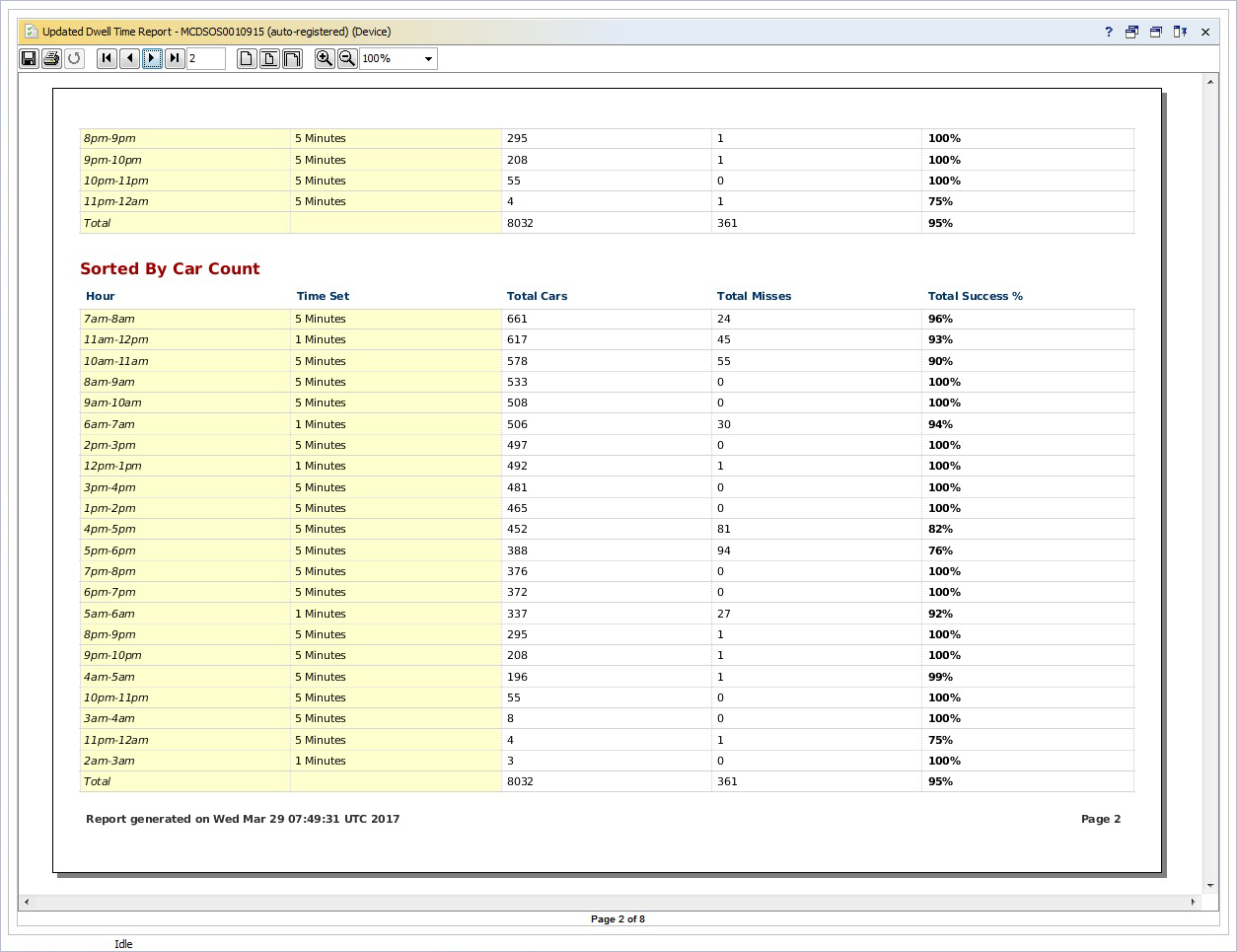 ;
;
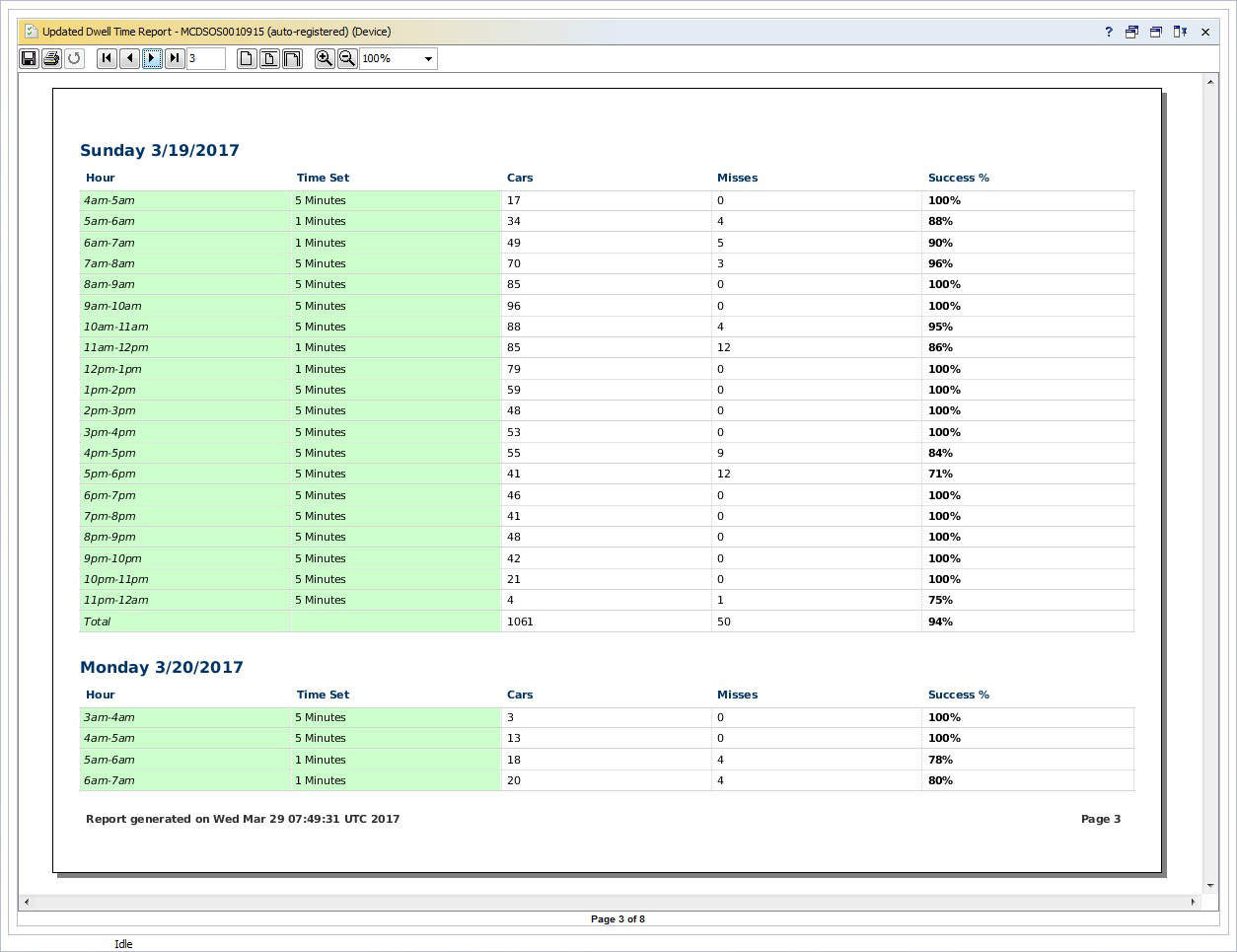 ;
;
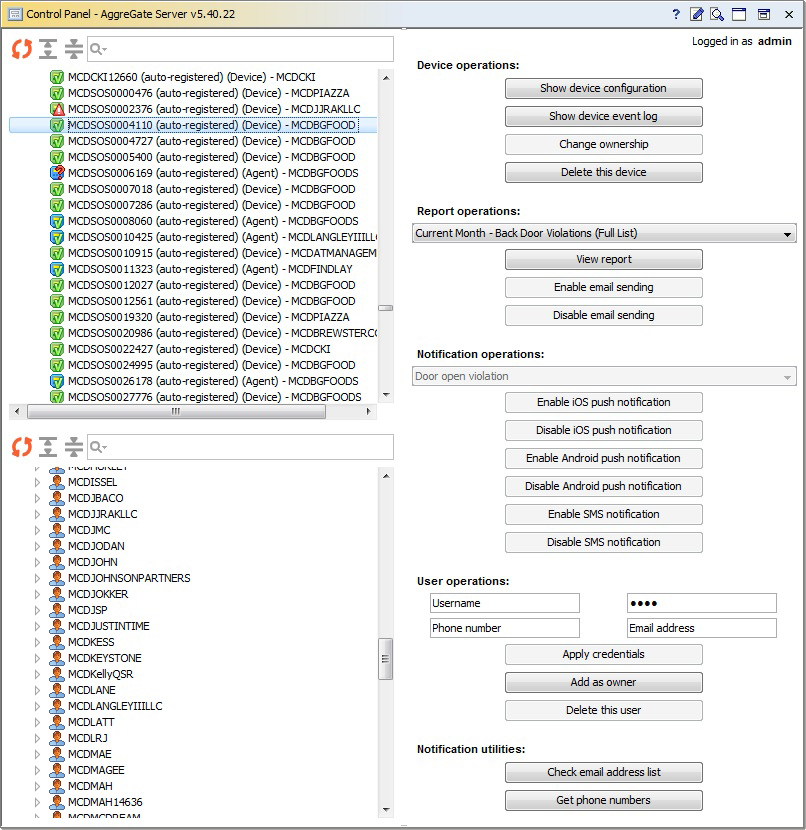 ;
;
 ;
;
 ----------END OF FILE------------
4. Appendix
==============Industries==============
1 Agriculture
2 Financial and Insurance
3 Government
4 Healthcare and Social
5 Managed Service Providers
6 Manufacturing
7 OEM/ODM
8 Oil and Gas
9 Pharmaceutical and Biotech
10 Power Engineering
11 Retail / Wholesale
12 Smart Cities
13 Telecom Operators
14 Transportation and Logistics
15 Utilities
==============Solutions==============
1 IoT Platform
2 IT & Network Management
3 Industrial Automation
4 Building Automation
5 Time and Attendance
6 Fleet Management
7 Vending Machines
8 Access Control
9 Analytics and Business Intelligence
10 Data Center Management
11 Incident and Situation Management
12 Remote Monitoring
13 Automatic Meter Reading
14 Sensor Networks
15 People/Vehicle Counting
16 Digital Signage
17 Mobile Device Management
18 Device Server Management
----------END OF FILE------------
4. Appendix
==============Industries==============
1 Agriculture
2 Financial and Insurance
3 Government
4 Healthcare and Social
5 Managed Service Providers
6 Manufacturing
7 OEM/ODM
8 Oil and Gas
9 Pharmaceutical and Biotech
10 Power Engineering
11 Retail / Wholesale
12 Smart Cities
13 Telecom Operators
14 Transportation and Logistics
15 Utilities
==============Solutions==============
1 IoT Platform
2 IT & Network Management
3 Industrial Automation
4 Building Automation
5 Time and Attendance
6 Fleet Management
7 Vending Machines
8 Access Control
9 Analytics and Business Intelligence
10 Data Center Management
11 Incident and Situation Management
12 Remote Monitoring
13 Automatic Meter Reading
14 Sensor Networks
15 People/Vehicle Counting
16 Digital Signage
17 Mobile Device Management
18 Device Server Management